
How to update my Meal Break waiver settings (CA)
Edited
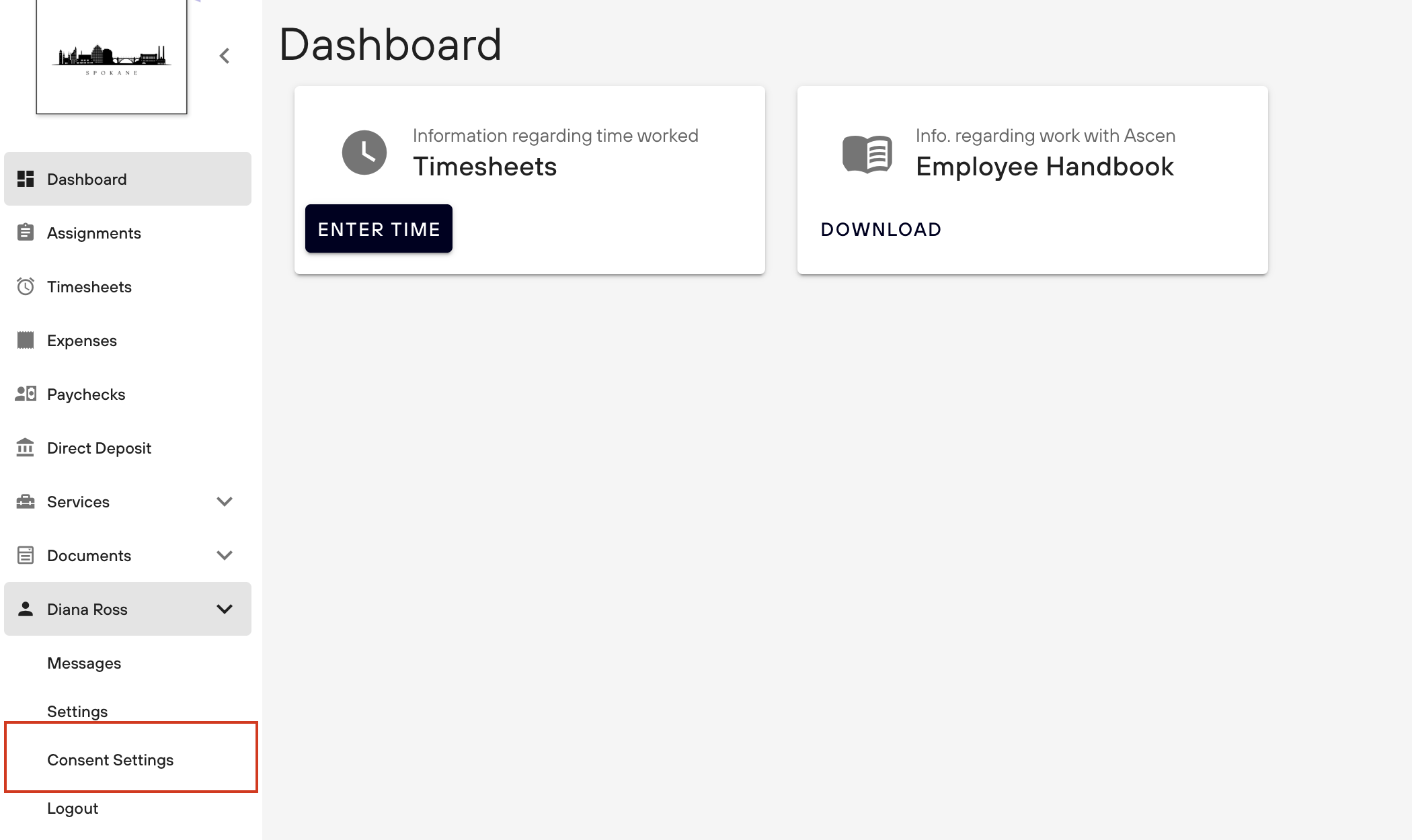
Login to Ascen at app.ascen.com/login and scroll down to your name on the left menu. Once there, click your name and scroll to "Consent Settings".
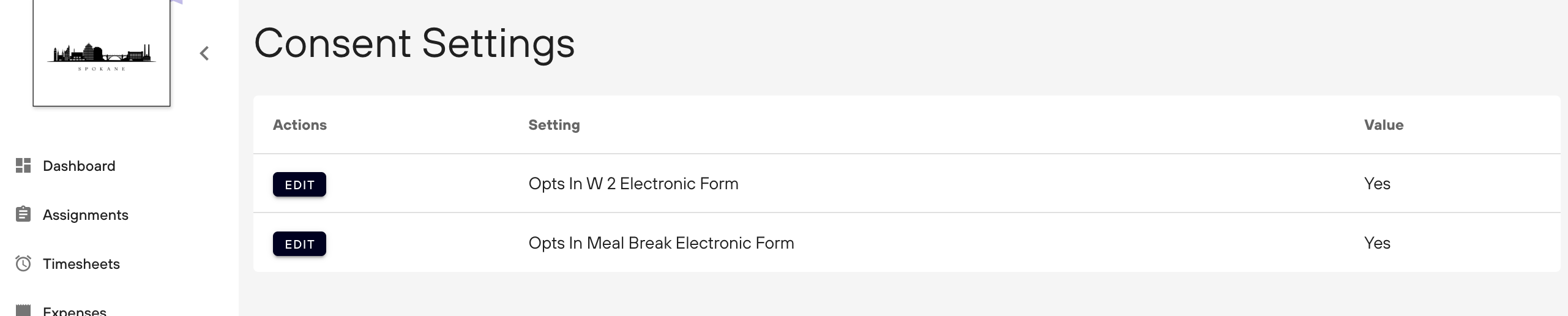
Then, you will select "Edit" where it says "Opts in Meal Break Electronic Form."
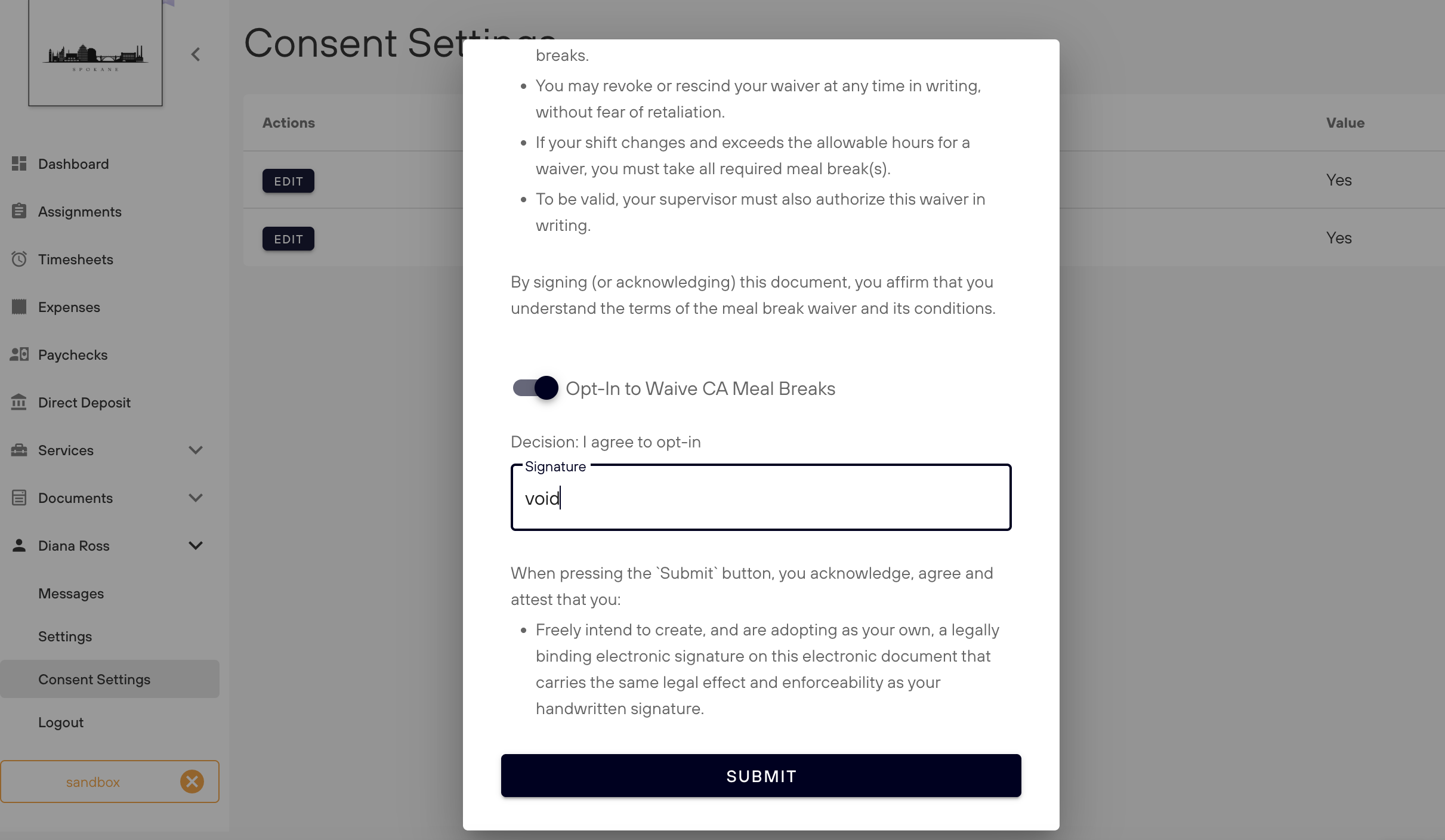
A form will pop up. Please review the information and scroll down to the bottom. There you can toggle your option and resign. Once you change your setting and resign, you will click the Submit button.
Once submitted, you are all set!